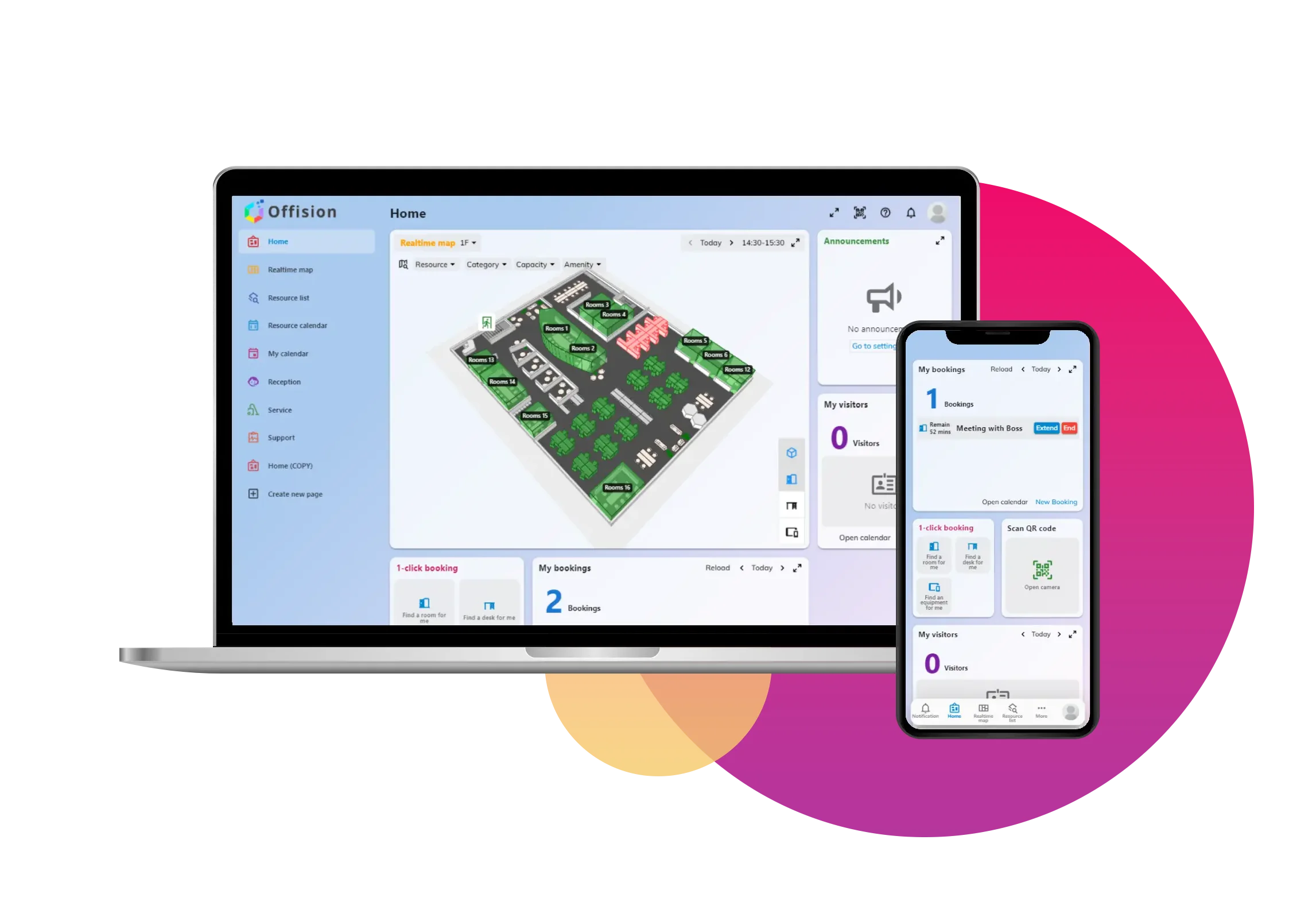
Your smart office. In one place.

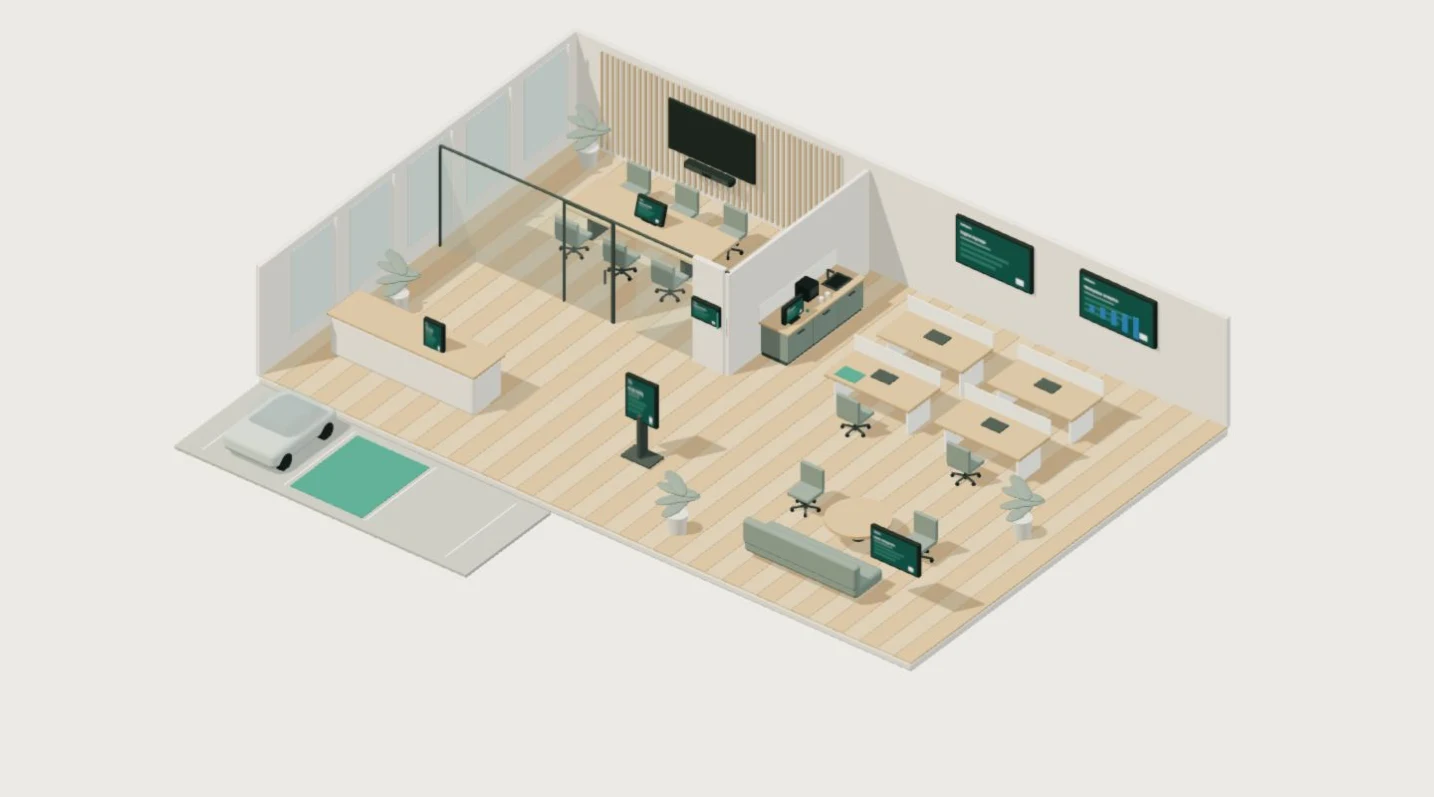
Interactive 3D cutaway office showing a glass meeting room with door and tabletop booking panels, shared desks, reception kiosk, event lounge, parking bays, wayfinding kiosk, pantry service pad, door access, digital signage, analytics display and a Neat Bar occupancy sensor beneath the meeting room display.
Drag to rotate · Select an area to explore

Preparing your smart office…

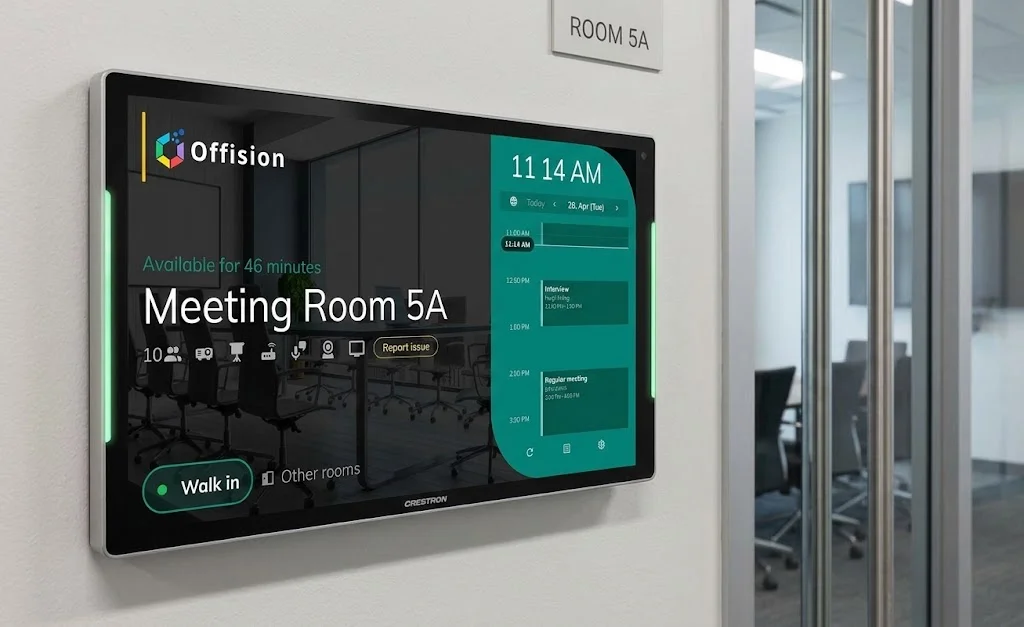
An Offision booking panel mounted beside a glass meeting room, displaying room availability and the walk-in booking control.

Meeting room booking

Real-time availability, Outlook/Teams sync, check-in and auto-release.

Learn more

Interactive demo · No real bookings are created.

Everything a smart office needs, in one platform

How Offision delivers a smart office

Five steps from scattered tools to a unified, data-driven workplace.

Unify booking

Consolidate rooms, desks, parking, and equipment onto one platform.

Digitize visitors and events

Replace paper sign-in sheets and ad-hoc event tools with branded, auditable flows.

Connect your stack

Sync with Microsoft 365, Google Workspace, room panels, and sensors.

Measure and optimize

Report on utilization, attendance, and occupancy to right-size the portfolio.

Scale safely

Deploy across buildings and regions with SSO, policies, and audit logs.

Smart office FAQ

What is a smart office?

A smart office uses integrated software and hardware to let people book and use office resources on demand while giving workplace teams real-time data about how the space is used.

What are the core parts of a smart office platform?

Meeting room booking, desk booking, visitor management, event management, parking, digital signage, floor plans, and workplace analytics — unified so admins manage one system.

How is a smart office different from booking software?

Point booking tools solve one resource. A smart office connects all resources, visitors, services, and reporting into a single workflow with consistent data.

Which integrations matter for a smart office?

Microsoft 365 (Teams, Outlook, Entra ID), Google Workspace (Calendar, Meet), SSO/SAML, room panels and signage, and occupancy or sensor hardware.

How do I measure smart-office ROI?

Track utilization per square foot, booking no-show rate, visitor processing time, service ticket resolution, and portfolio right-sizing opportunities.

Is Offision suitable for a mid-sized company?

Yes. Offision scales from small offices on the free plan to enterprise deployments across multiple buildings and regions.

What hardware does Offision support?

Room panels (Qbic, Crestron, Neat), desk devices, digital signage, e-paper displays, IoT sensors, and common QR/NFC readers.

Is there a free trial?

Yes. Offision offers a free plan with no credit card required; paid tiers unlock advanced features and hardware integrations.

Ready to unify your workplace?

Book a demo