


Meeting Room Booking

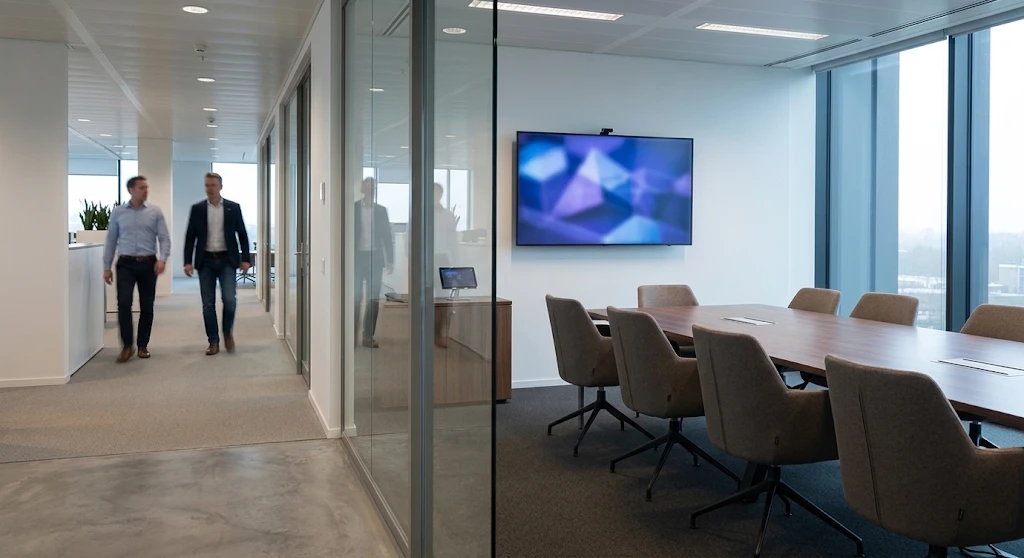
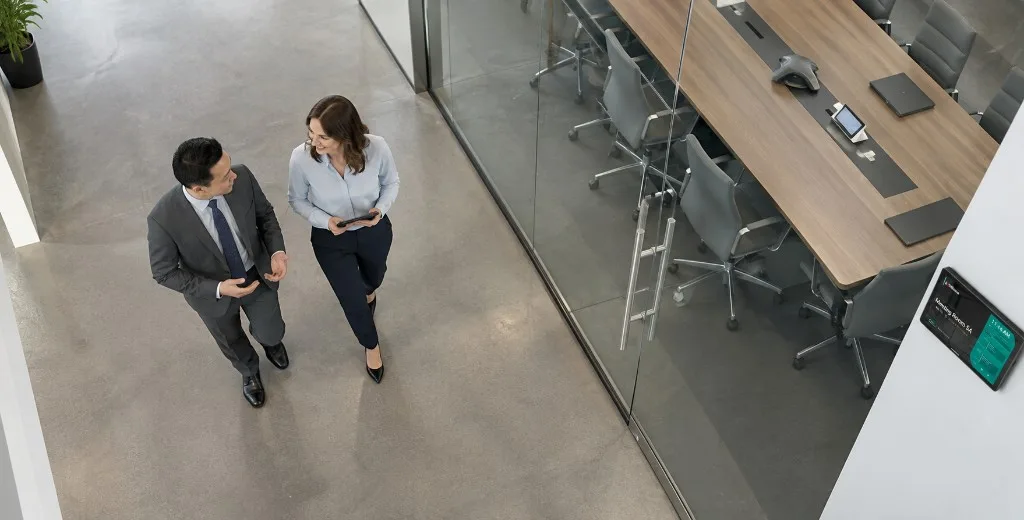
From above, a man in a grey suit and a woman in a light blue shirt walk beside a glass meeting room. Inside are a long wooden table, grey chairs, a laptop, and a conference phone, with a booking panel on the wall.
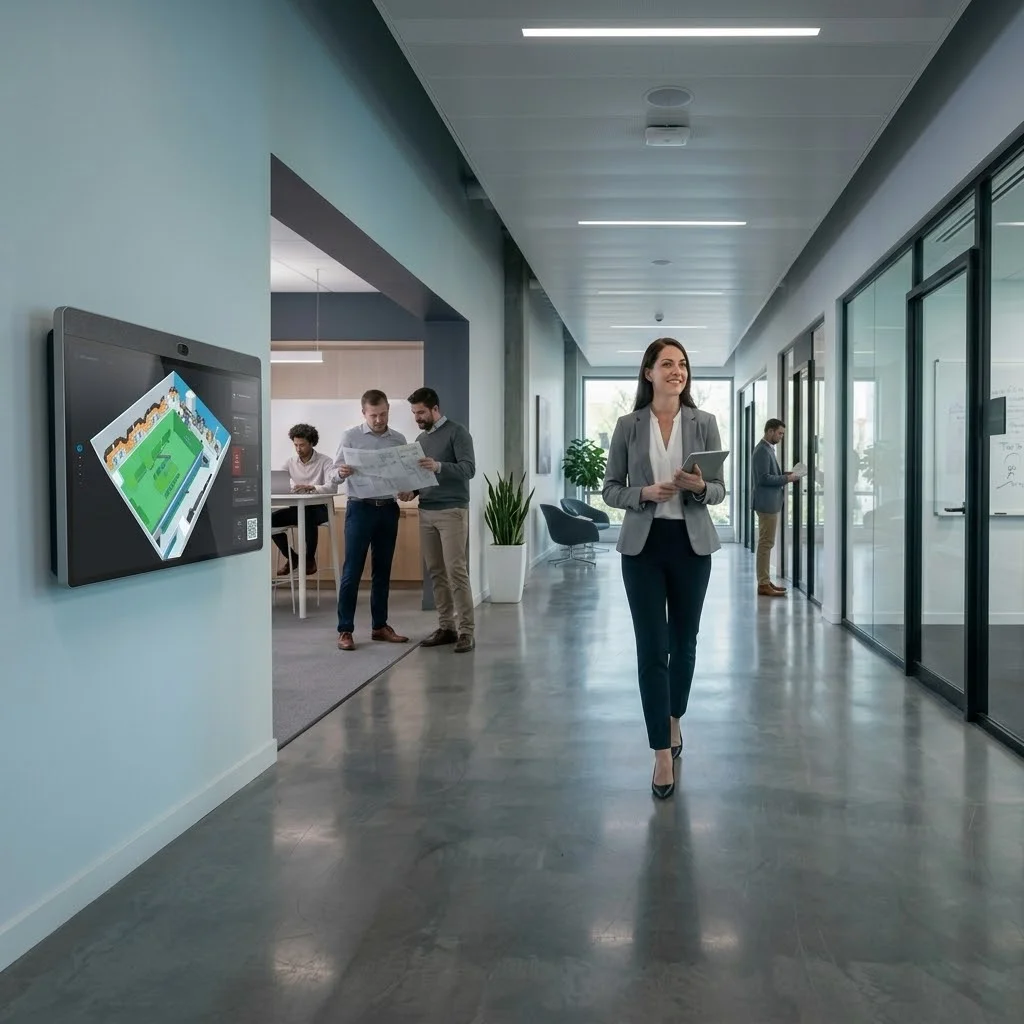
A woman in a grey blazer walks an office corridor holding a tablet, beside a wall display of a 3D floor plan. Two colleagues study a printed plan in the room behind her, and glass meeting rooms line the right side.

Find your right room

Capacity, gear, floor—book the room that actually fits.

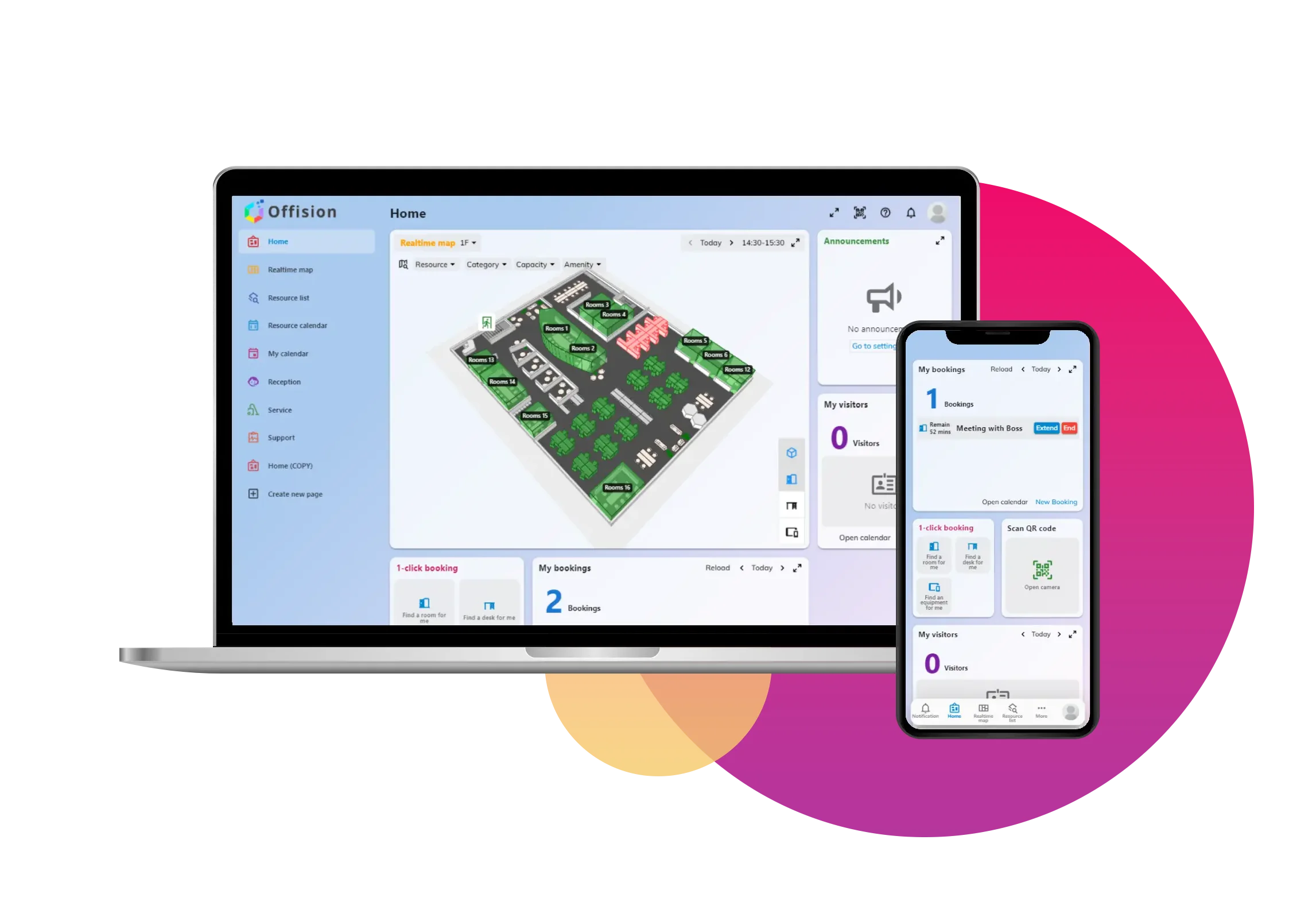
3D Floor plan

Take a closer look.

A MacBook on a meeting-room table displays the Offision management calendar with room and resource bookings.
Connect your calendar

One-click sync with Outlook, Teams, or Google. Existing meetings carry over instantly.

Browse available spaces

Real-time status, capacity, and equipment at a glance. Find the right room in seconds.

Book and manage

One tap to reserve, easy to modify. Auto-release handles no-shows for you.

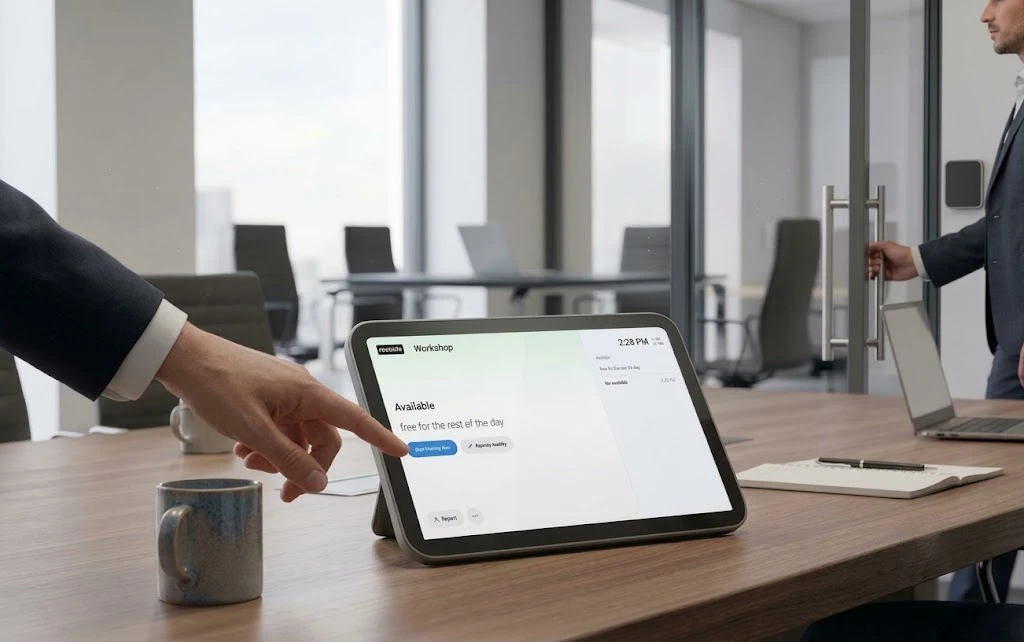
Manage the meeting from the table.

A person taps Start Meeting Now on a tablet showing Workshop is free for the rest of the day, while a colleague opens the glass meeting room door.
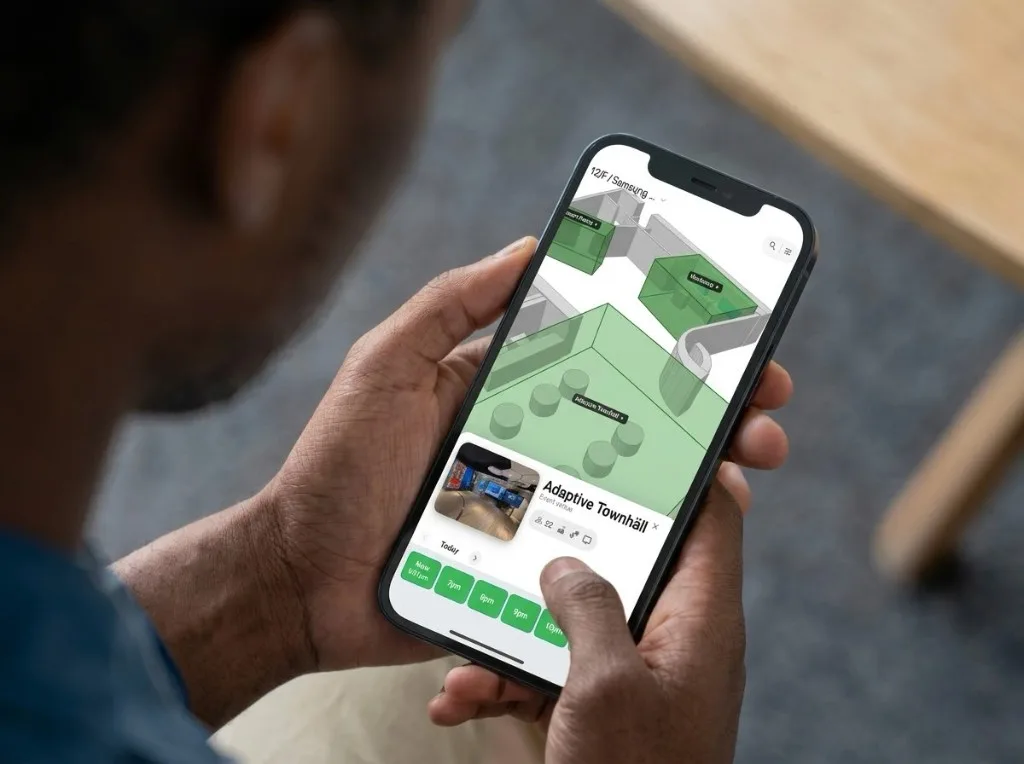
Over the shoulder of a person in a blue shirt, a phone shows a green 3D floor plan for 12/F, with Adaptive Townhall selected and evening time slots along the bottom.

Book a room from your phone

Learn more about the Offision user app
A man in a grey suit taps a wall-mounted room panel beside a glass meeting room, coffee in hand, with colleagues working in the open office and a city skyline behind.

Free rooms when plans change

No check-in? Offision releases the booking so someone else can use the room.

Read how to stop ghosted room bookings

Resources for better workplaces

Questions? We've got answers

A meeting room booking system lets employees find and reserve conference rooms from web, mobile, or room panels. It shows real-time availability, syncs with Outlook or Google Calendar, and can release no-show bookings automatically.

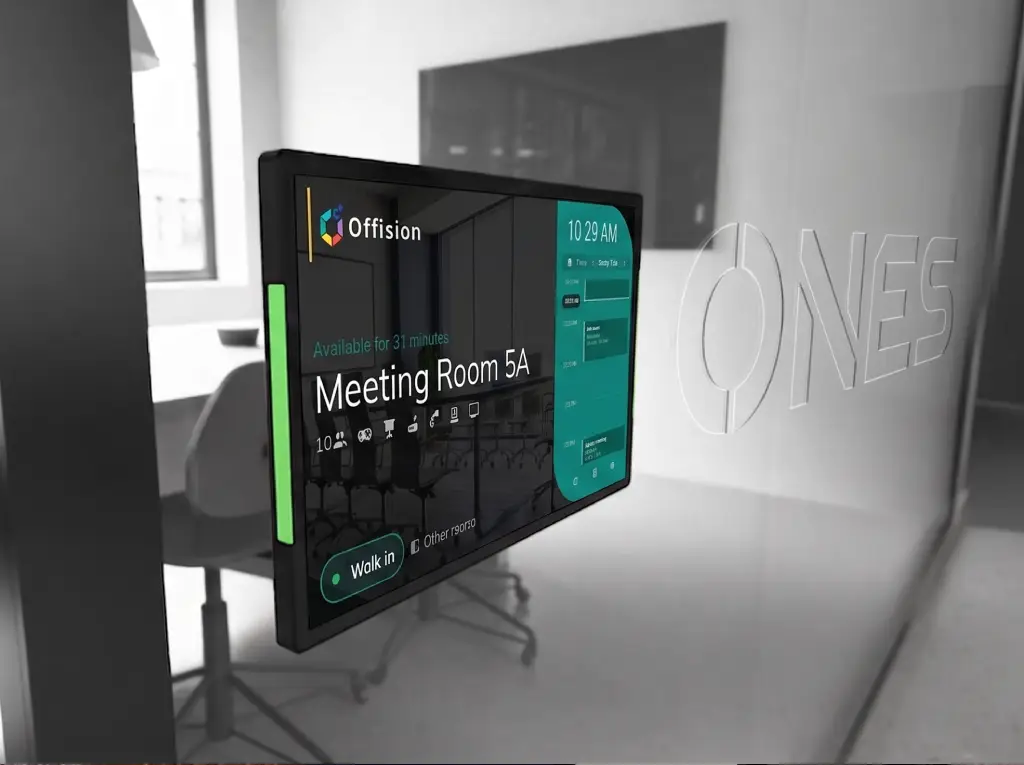
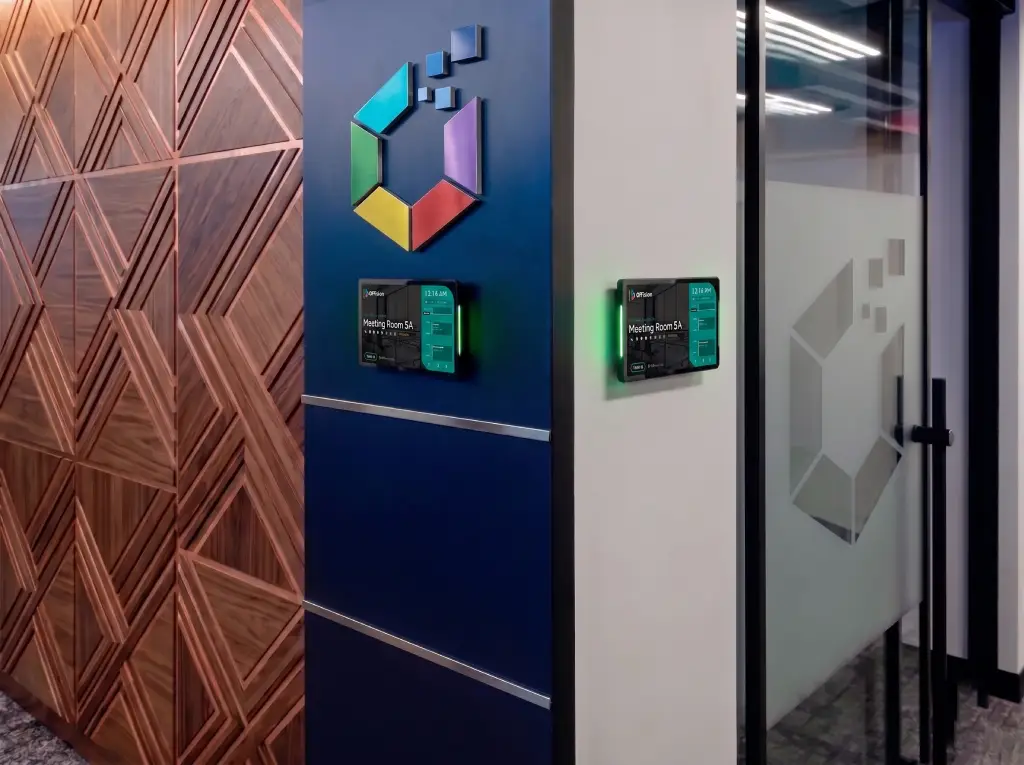
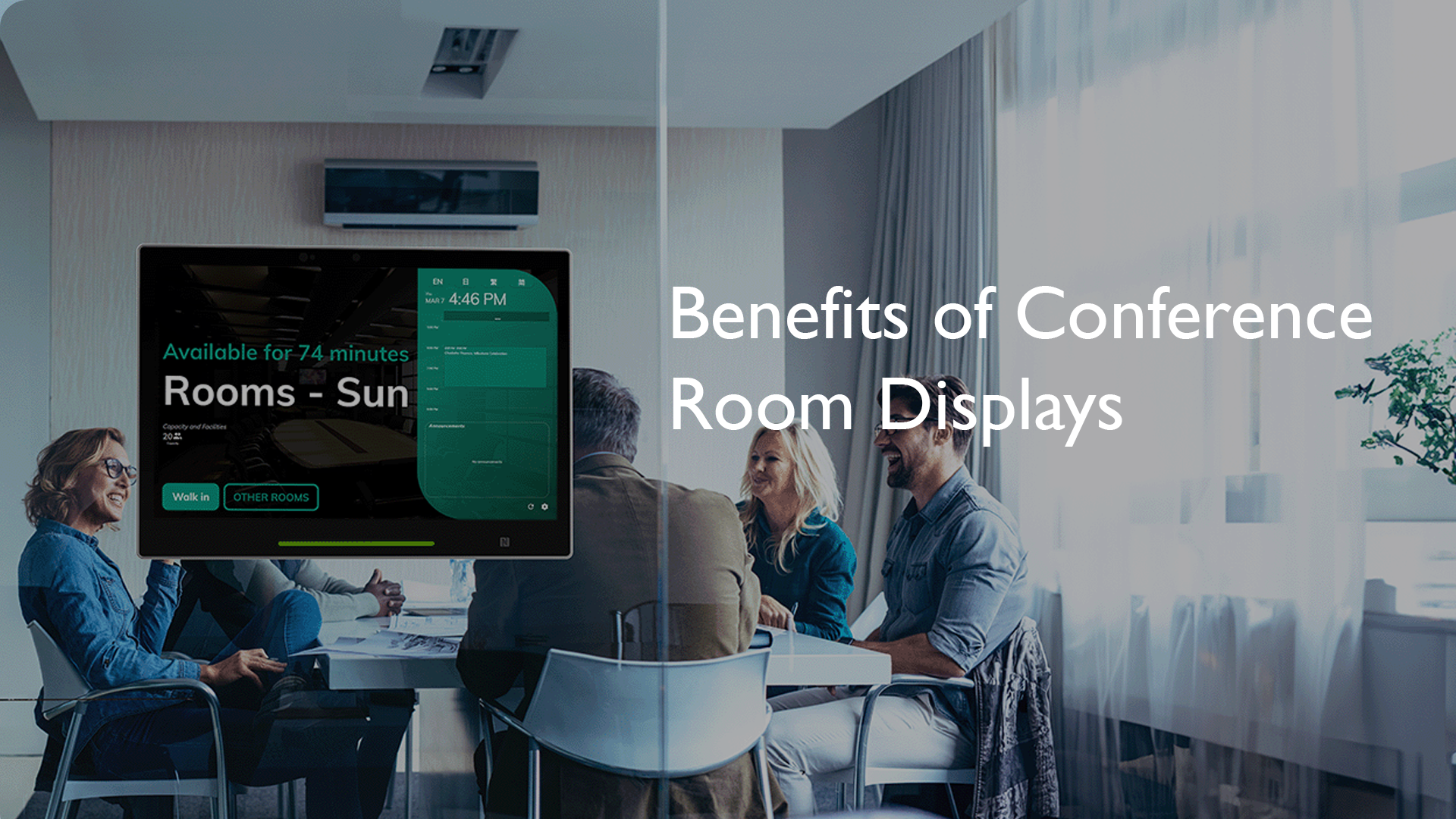
A room booking display is a digital panel outside a meeting space that shows current status, schedule, and sometimes lets people book or check in on the spot. Offision supports panels and signage so everyone sees accurate room state at the door.

Offision keeps one shared source of truth for rooms. Calendar integrations and real-time updates mean the same slot cannot be claimed twice, and policies like auto-release help free unused rooms.

Yes. Offision integrates with Microsoft 365, Outlook, Teams, and Google Workspace so bookings stay aligned on both sides.

Yes. You can use room displays and workplace signage to show availability, book on-site, and guide employees and visitors.

A meeting room scheduler is software that shows which conference rooms are free, lets people book a time, and keeps calendars and door panels in sync. Offision is a meeting room booking system and scheduler for hybrid workplaces.

Get started in minutes