


One-click sync with Outlook, Teams, or Google. Existing meetings carry over instantly.
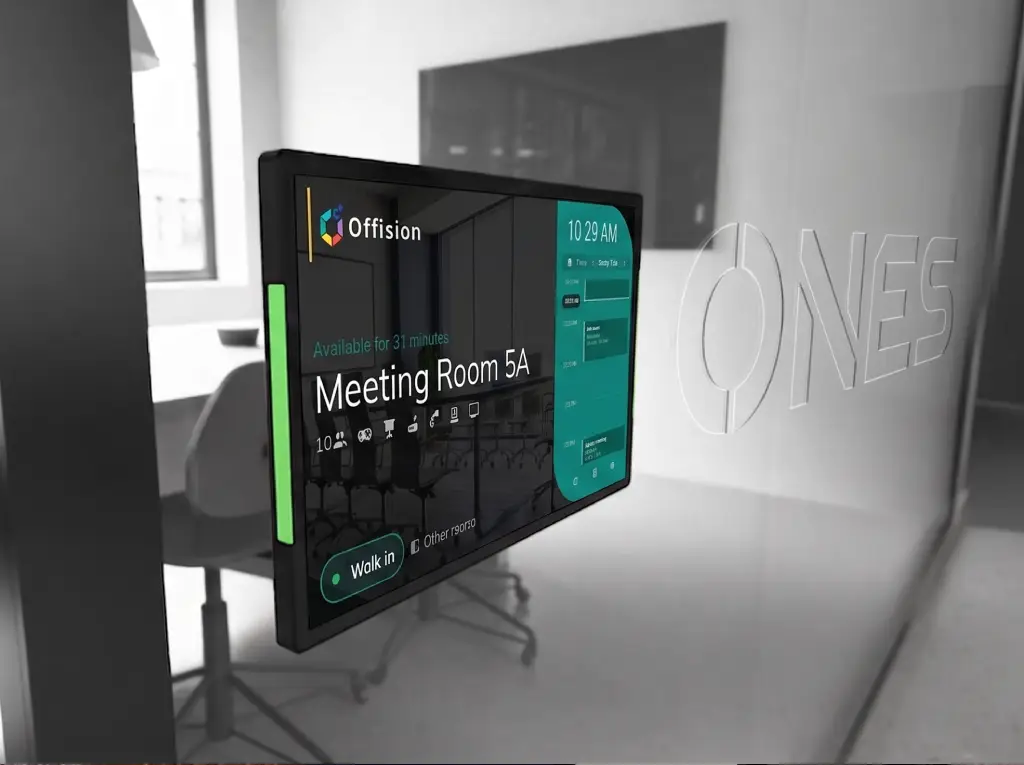
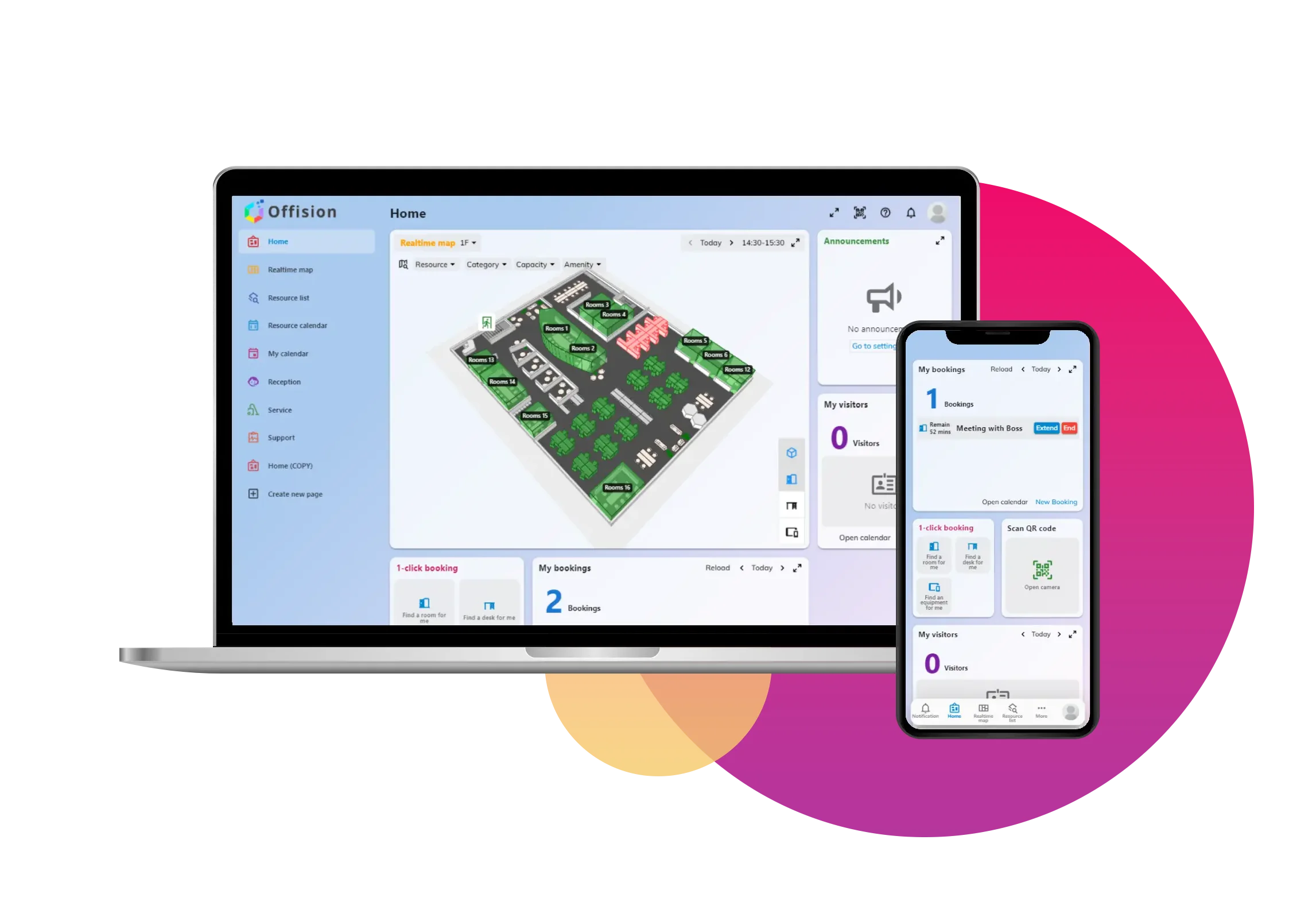
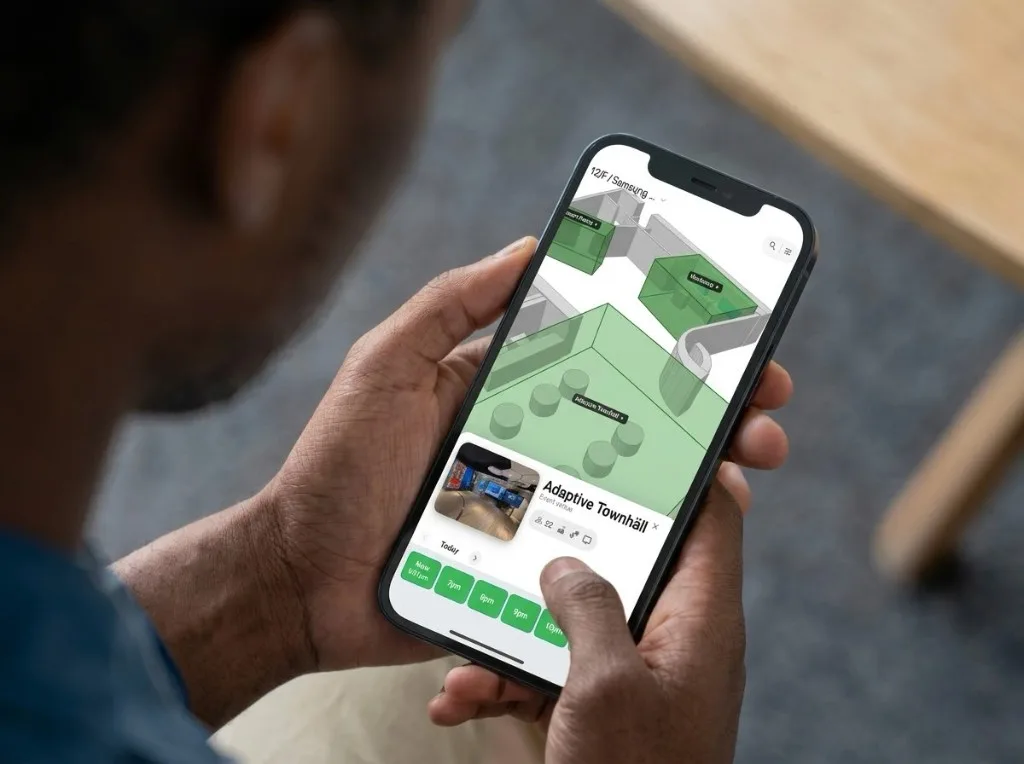
Real-time status, capacity, and equipment at a glance. Find the right room in seconds.
One tap to reserve, easy to modify. Auto-release handles no-shows for you.
No check-in? Offision releases the booking so someone else can use the room.
Read how to stop ghosted room bookingsA meeting room booking system lets employees find and reserve conference rooms from web, mobile, or room panels. It shows real-time availability, syncs with Outlook or Google Calendar, and can release no-show bookings automatically.
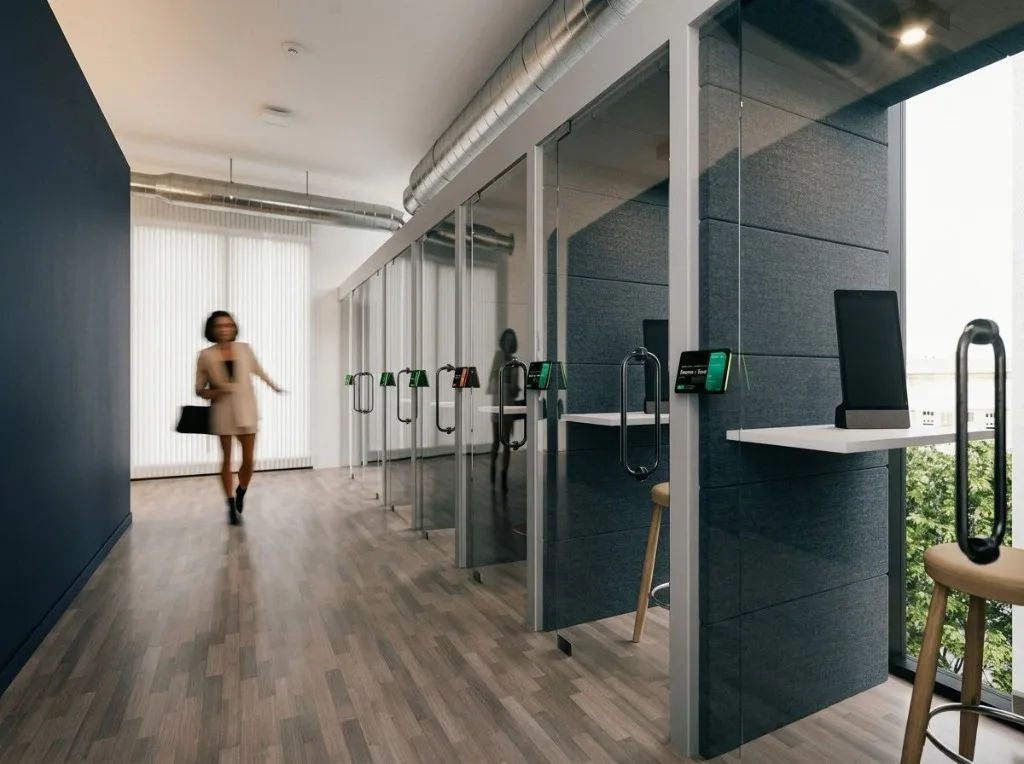
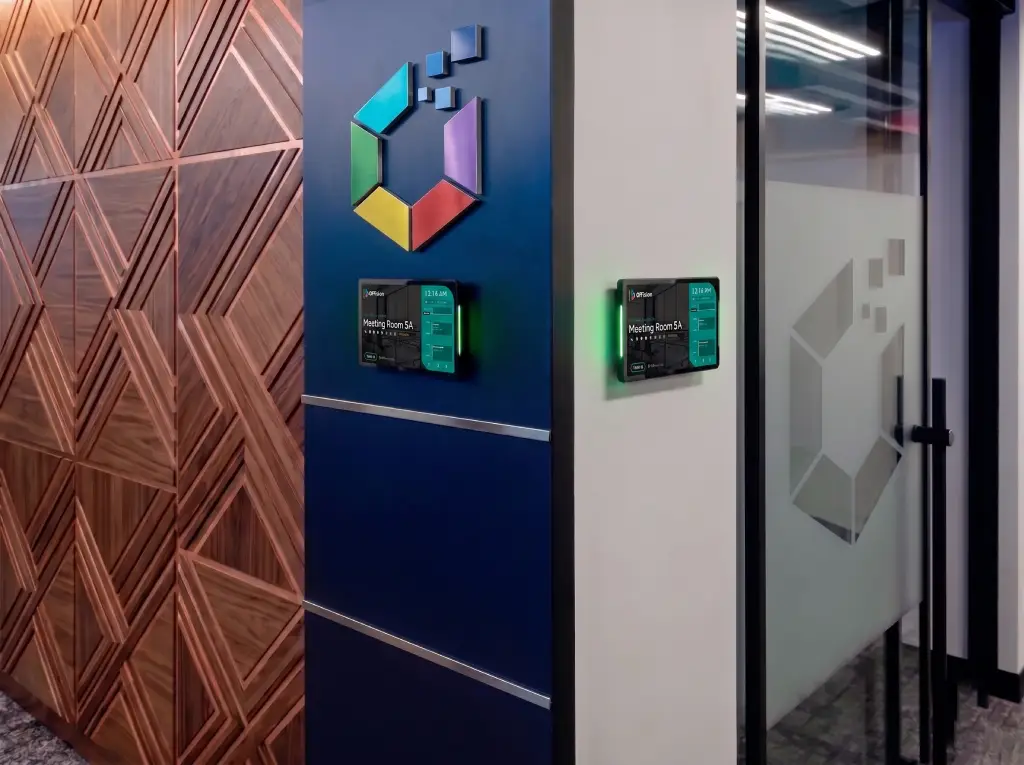
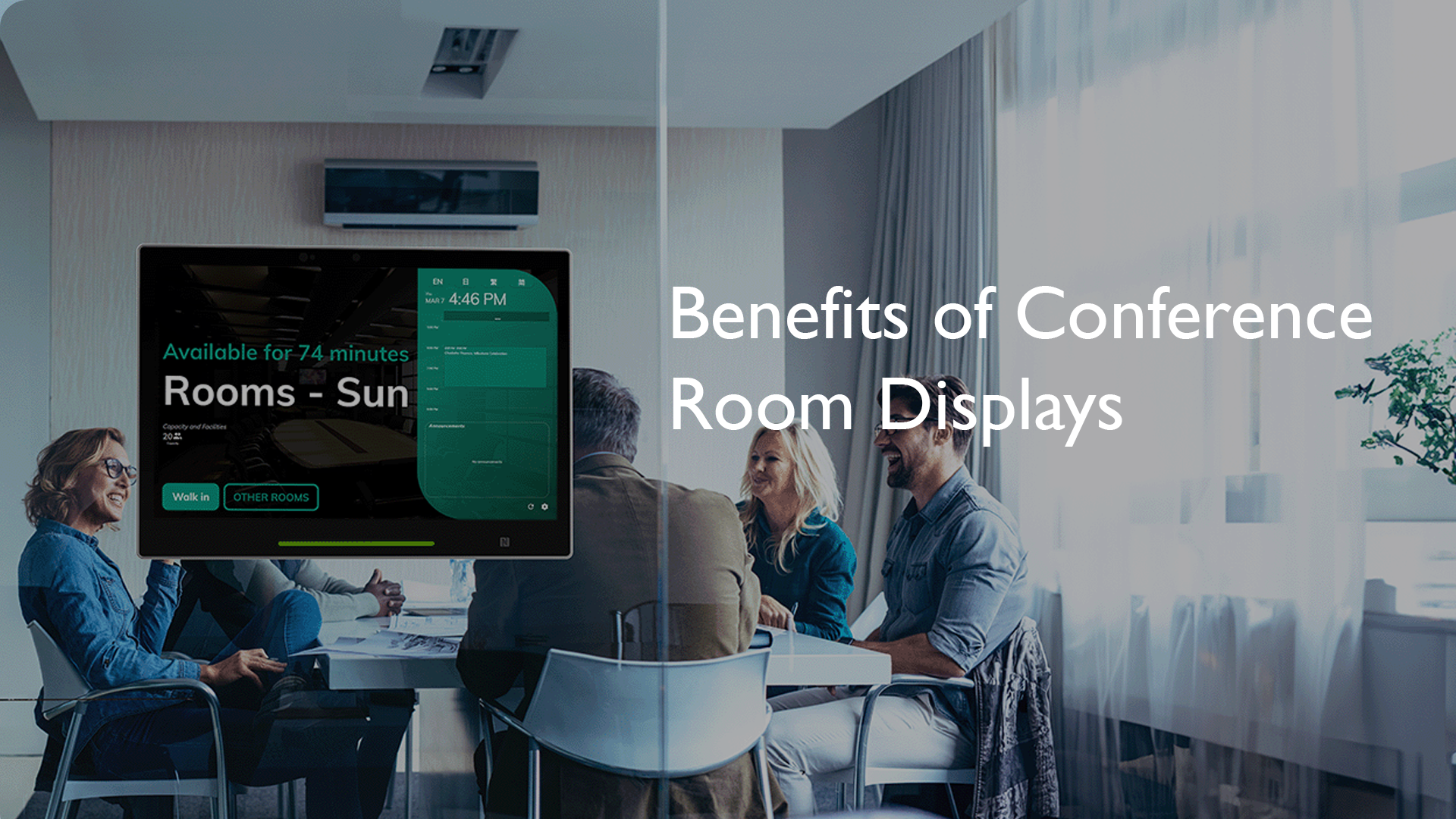
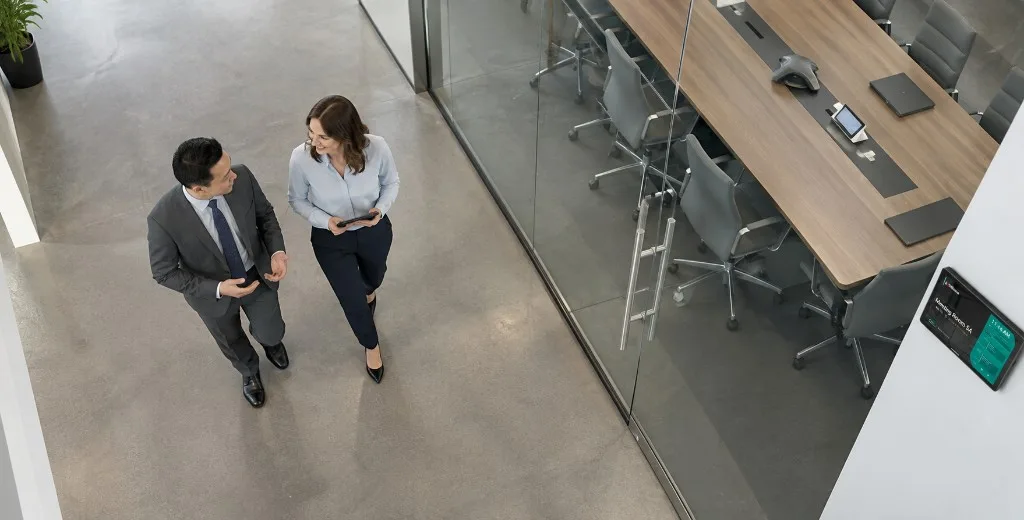
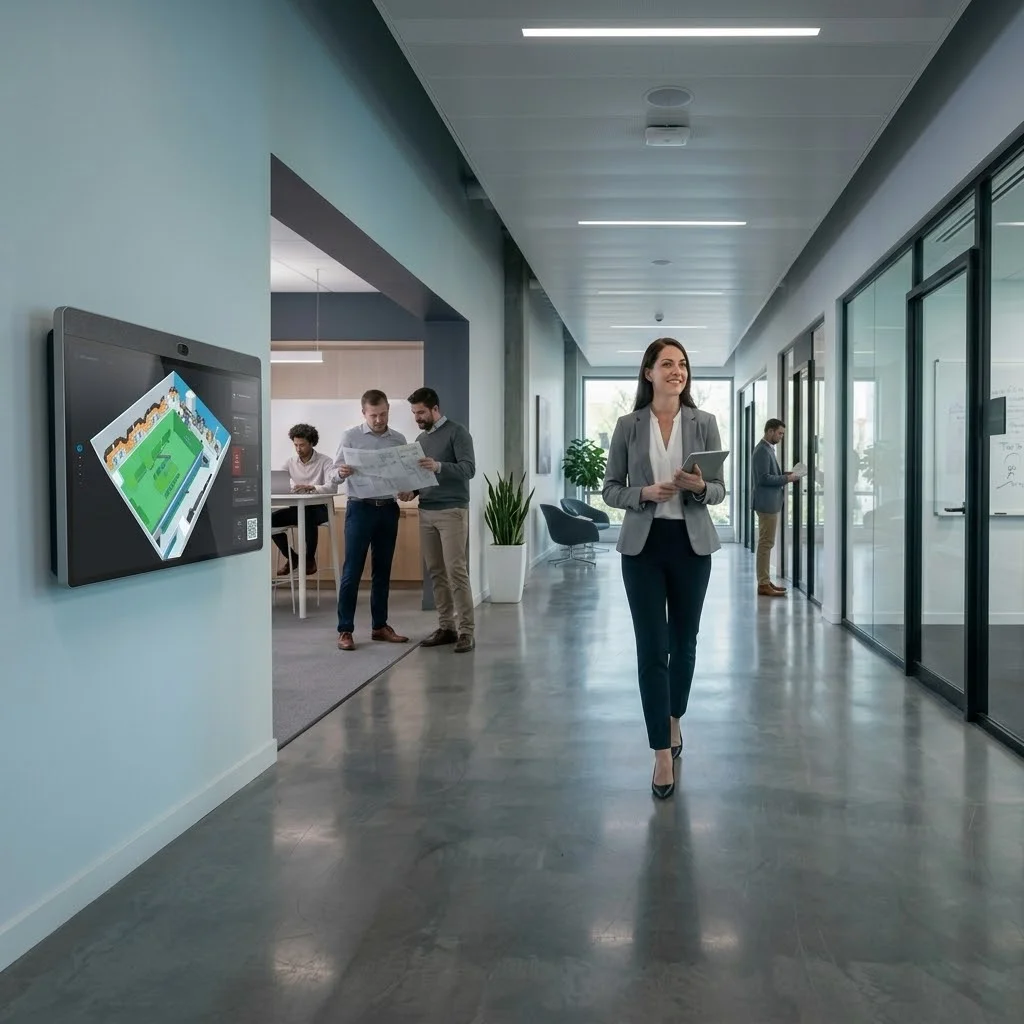
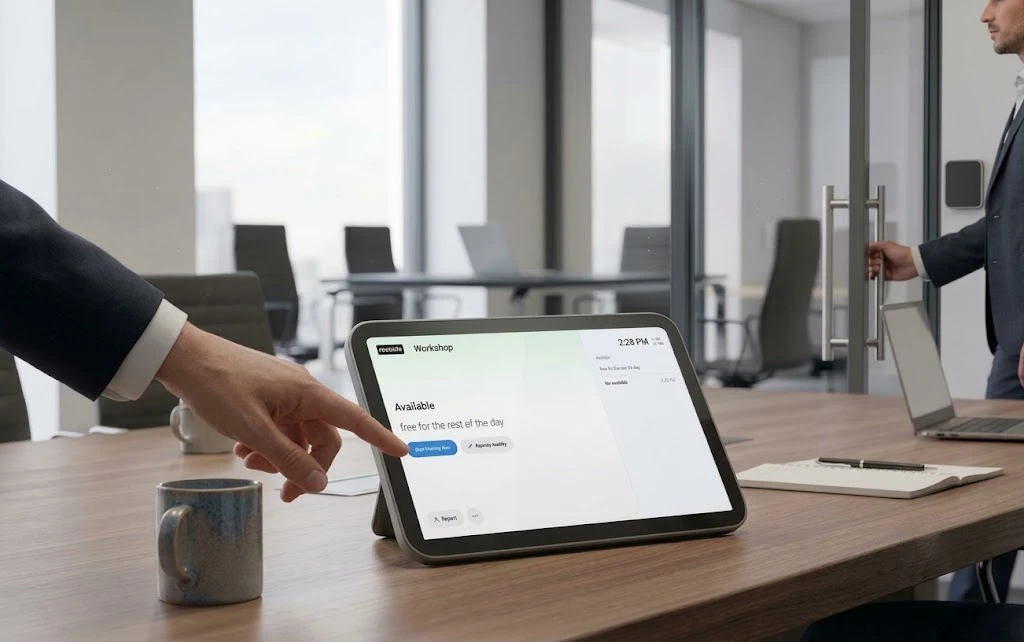
A room booking display is a digital panel outside a meeting space that shows current status, schedule, and sometimes lets people book or check in on the spot. Offision supports panels and signage so everyone sees accurate room state at the door.
Offision keeps one shared source of truth for rooms. Calendar integrations and real-time updates mean the same slot cannot be claimed twice, and policies like auto-release help free unused rooms.
Yes. Offision integrates with Microsoft 365, Outlook, Teams, and Google Workspace so bookings stay aligned on both sides.
Yes. You can use room displays and workplace signage to show availability, book on-site, and guide employees and visitors.
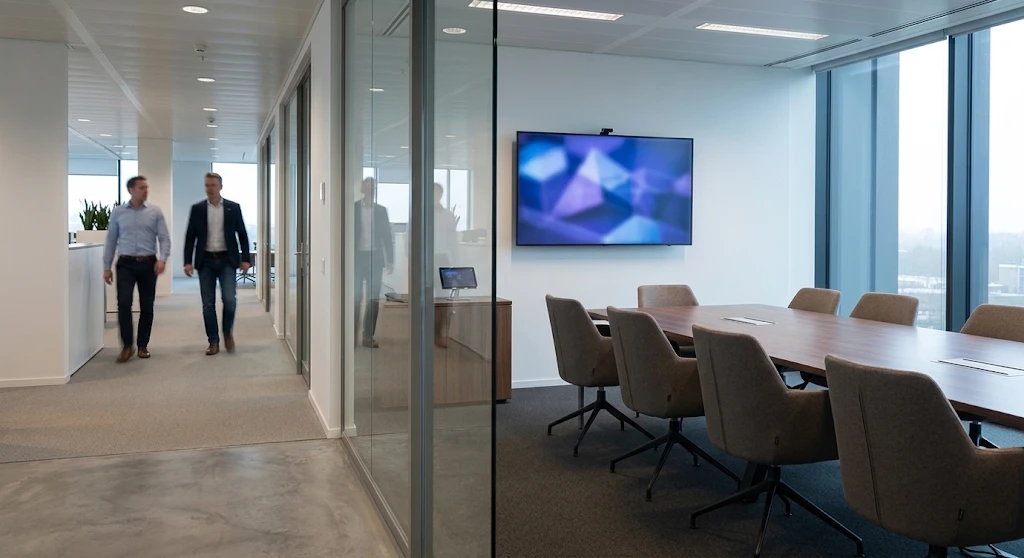
A meeting room scheduler is software that shows which conference rooms are free, lets people book a time, and keeps calendars and door panels in sync. Offision is a meeting room booking system and scheduler for hybrid workplaces.